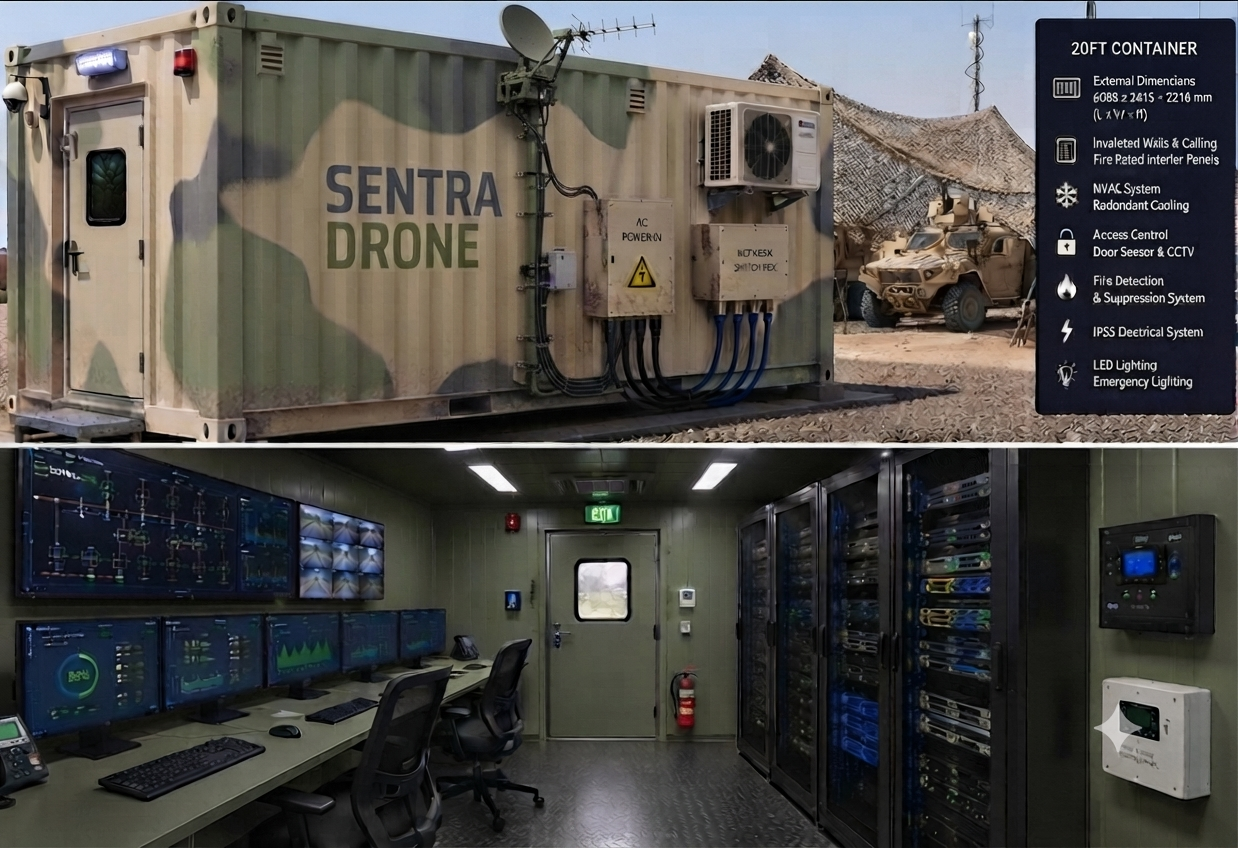
How the platform supports continuous surveillance operations
Each workspace below maps to a real operator job, from maritime monitoring and field coordination to mission analytics and response planning.
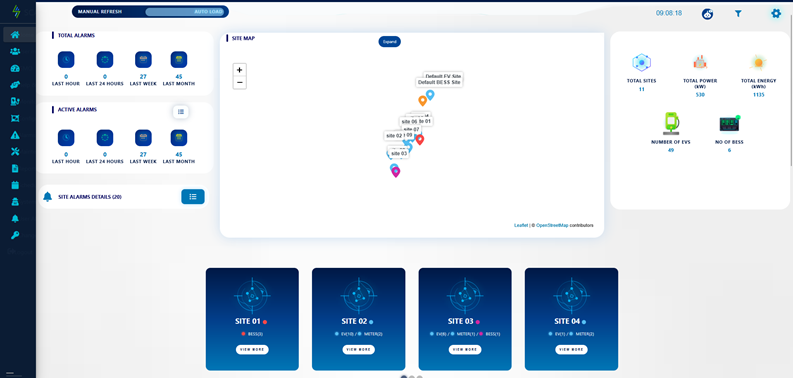
Home dashboard for immediate control hub awareness
Operators start here to review core control hub status, current activity, quick summaries, and the most important actions from one landing workspace.
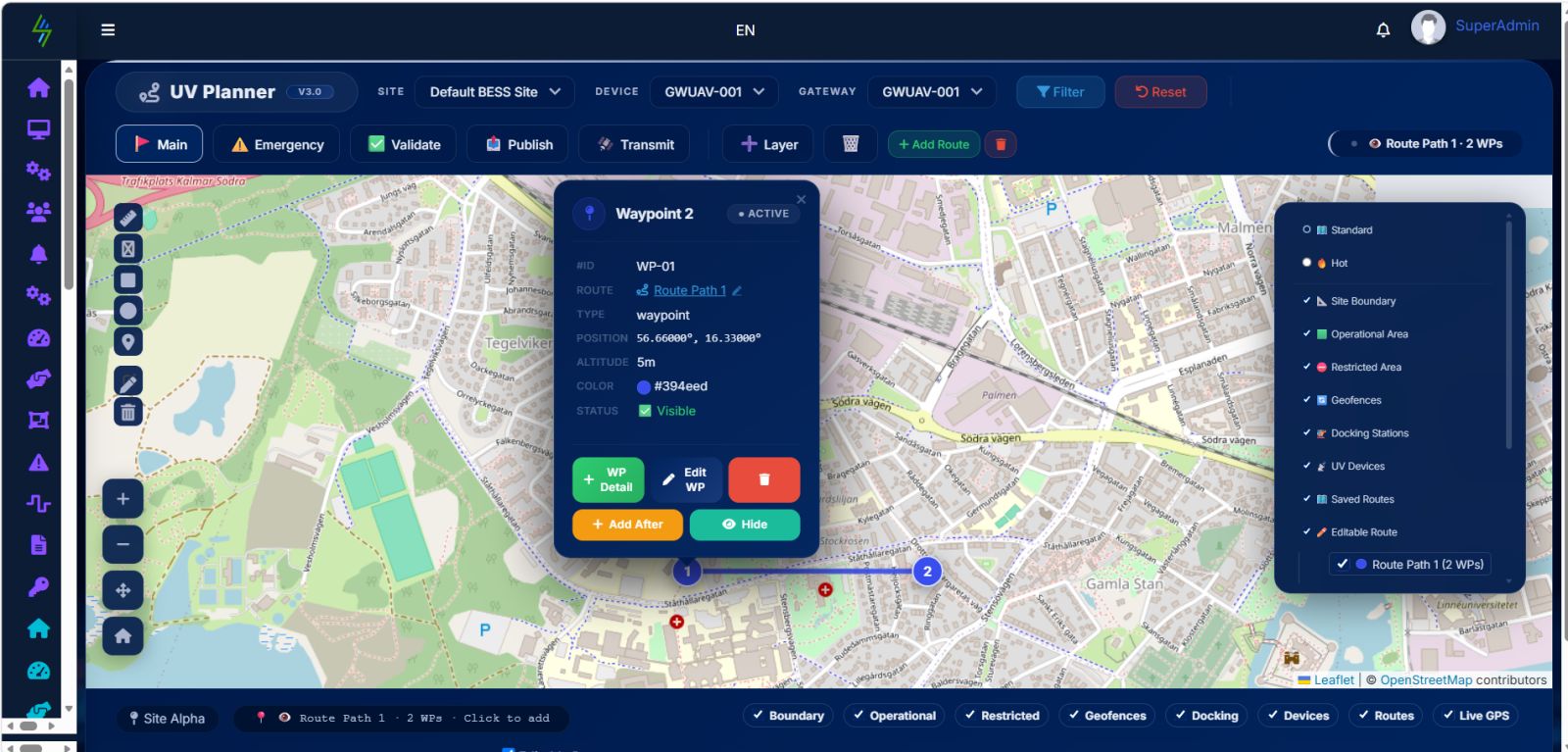
Map editor for mission zones, routes, and operating boundaries
Teams can configure map layers, adjust mission areas, place key points, and shape route logic directly inside the geographic workspace.
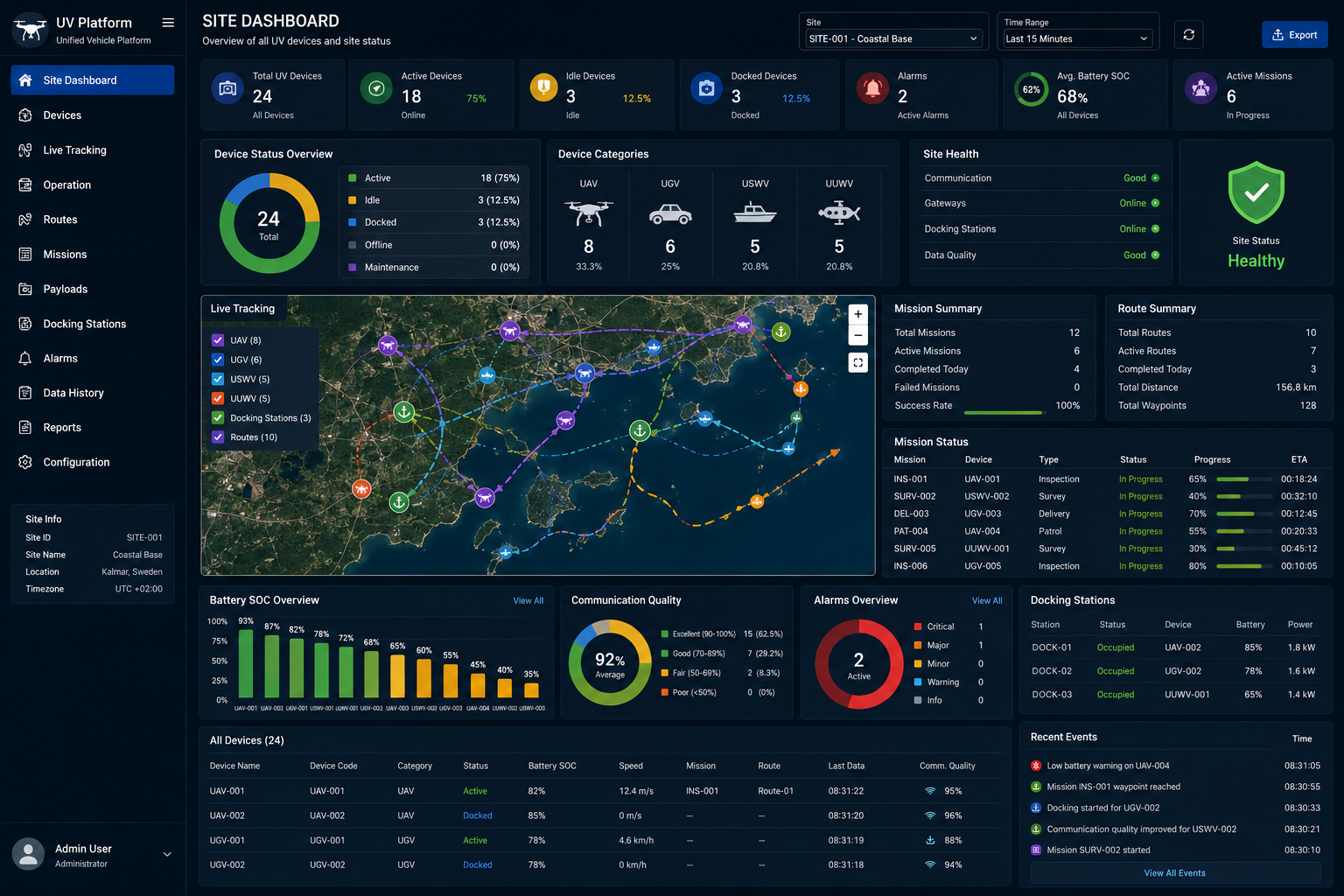
Site dashboard for local performance and operational visibility
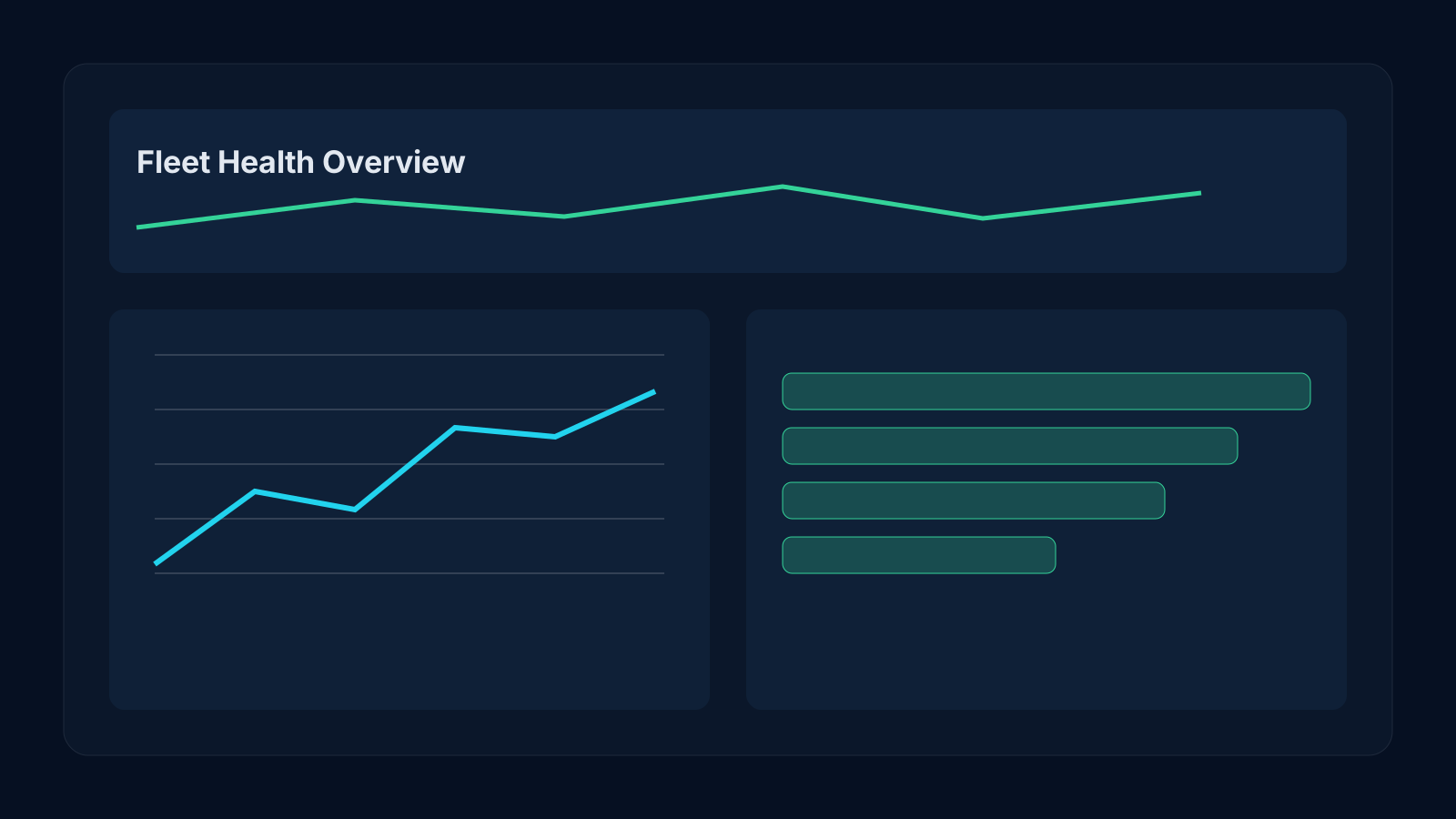
This workspace gives teams a site-level view of performance, active assets, telemetry patterns, and the conditions that need attention first.
Maintenance logs for proactive hardware reliability
Track inspections, service tickets, firmware actions, and part replacements so field teams can resolve recurring issues faster.
Configuration controls for pricing, access, and behavior
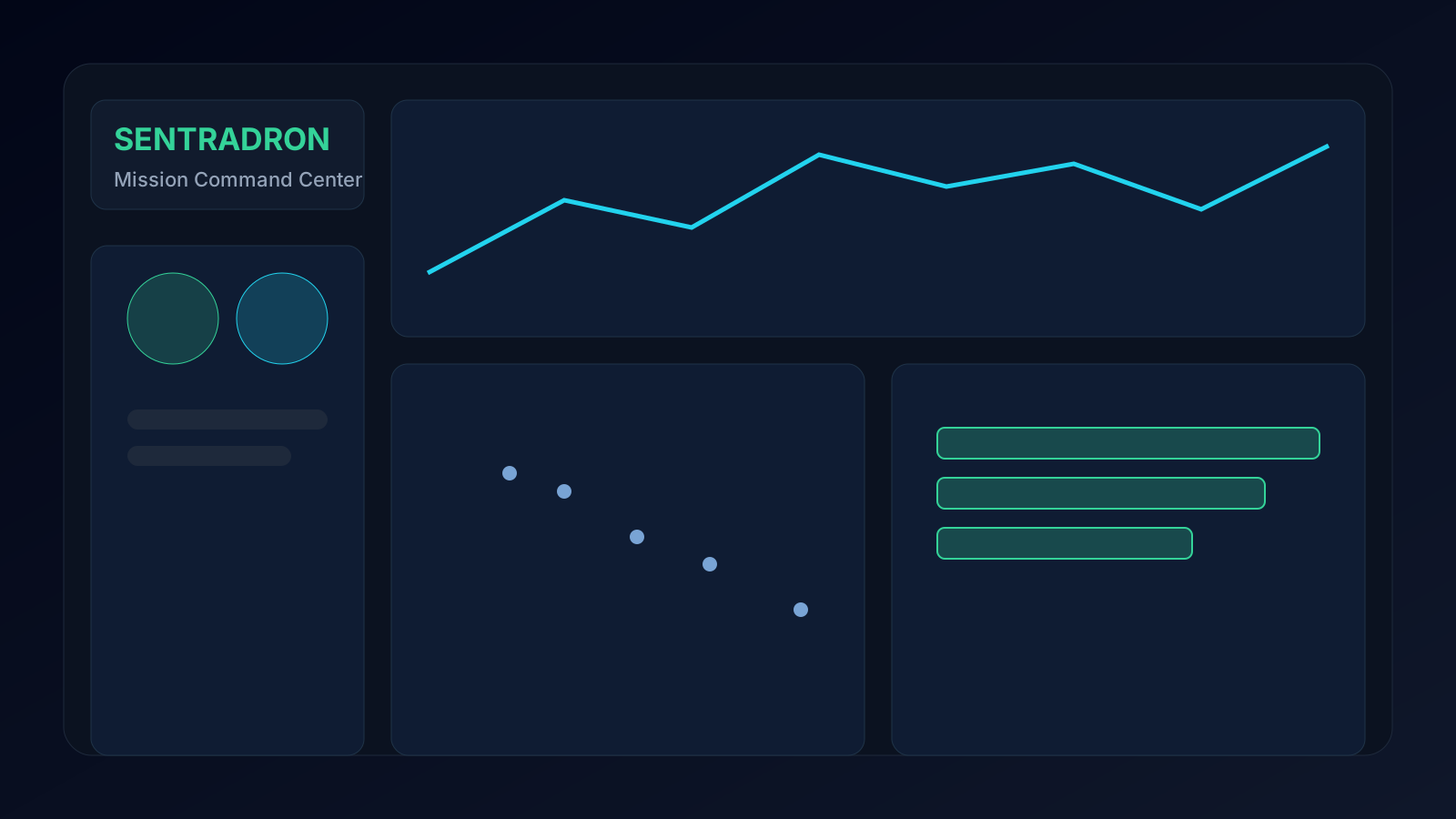
Tune mission policy logic, access rules, connector limits, and mission policies to match each deployment environment without code changes.
Monitoring center for real-time operational command
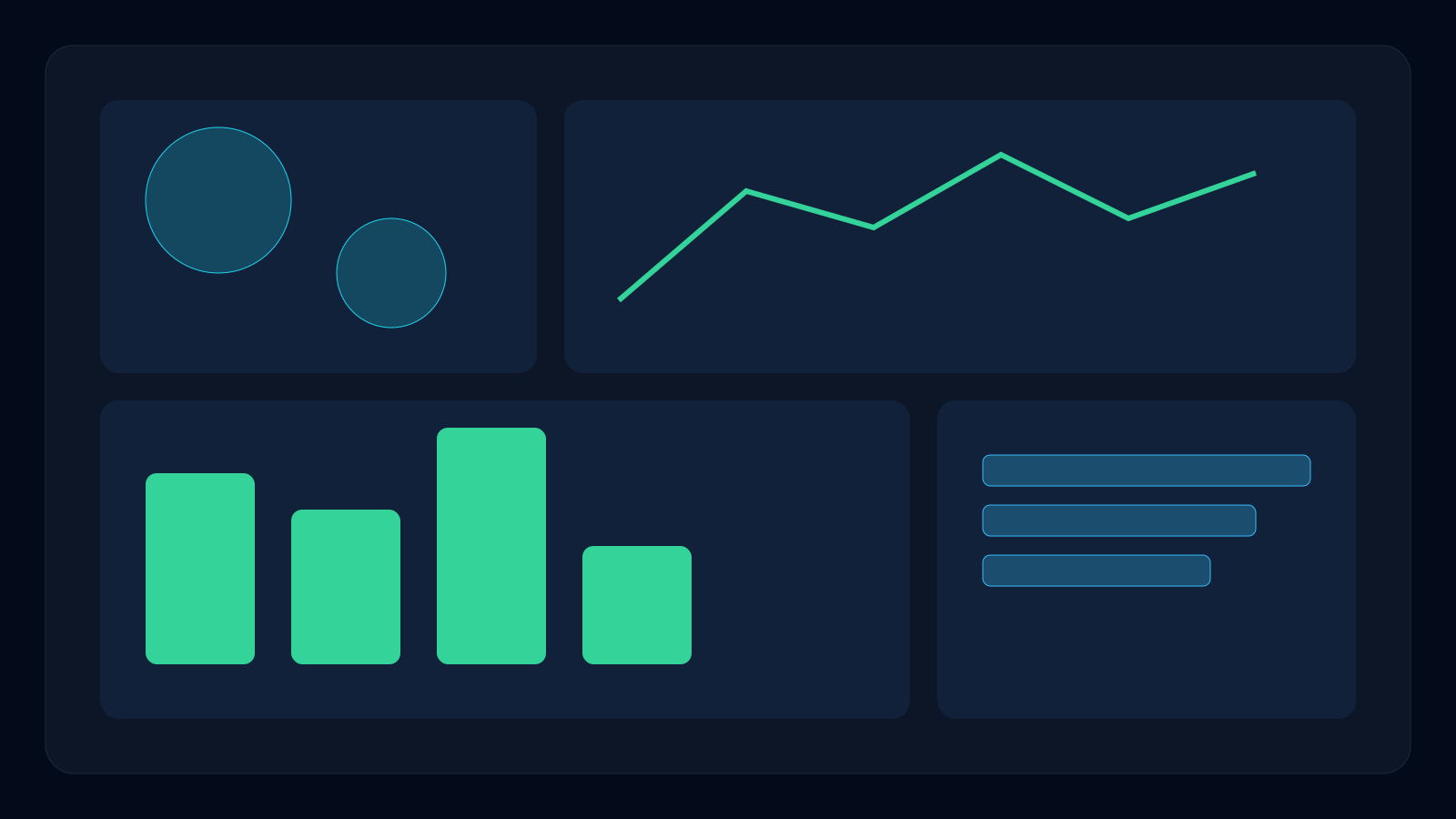
Observe drone unit health, active sessions, and anomalous events in real time while coordinating response across support teams.
Helpdesk operations for faster operator and site support
Support teams can manage incoming cases, link issues to sessions, and maintain SLA-friendly response workflows from one workspace.
ISMO analytics for utilization and performance intelligence
Analyze usage trends, peak load behavior, and operational efficiency to improve planning, revenue decisions, and site ROI.
User management for enterprise-scale account governance
Control operator profiles, permissions, customer records, and organizational grouping in one secure administrative layer.